

When the Network Feels Slow, Look at the Cabling First
May 5th, 2027
Every office has a version of this conversation. Someone sighs, refreshes a screen, and says, "The network is slow again." Maybe it is the Wi-Fi. Maybe it is the internet provider. Maybe it is that one application everyone loves to hate. Sometimes it really is one of those things.
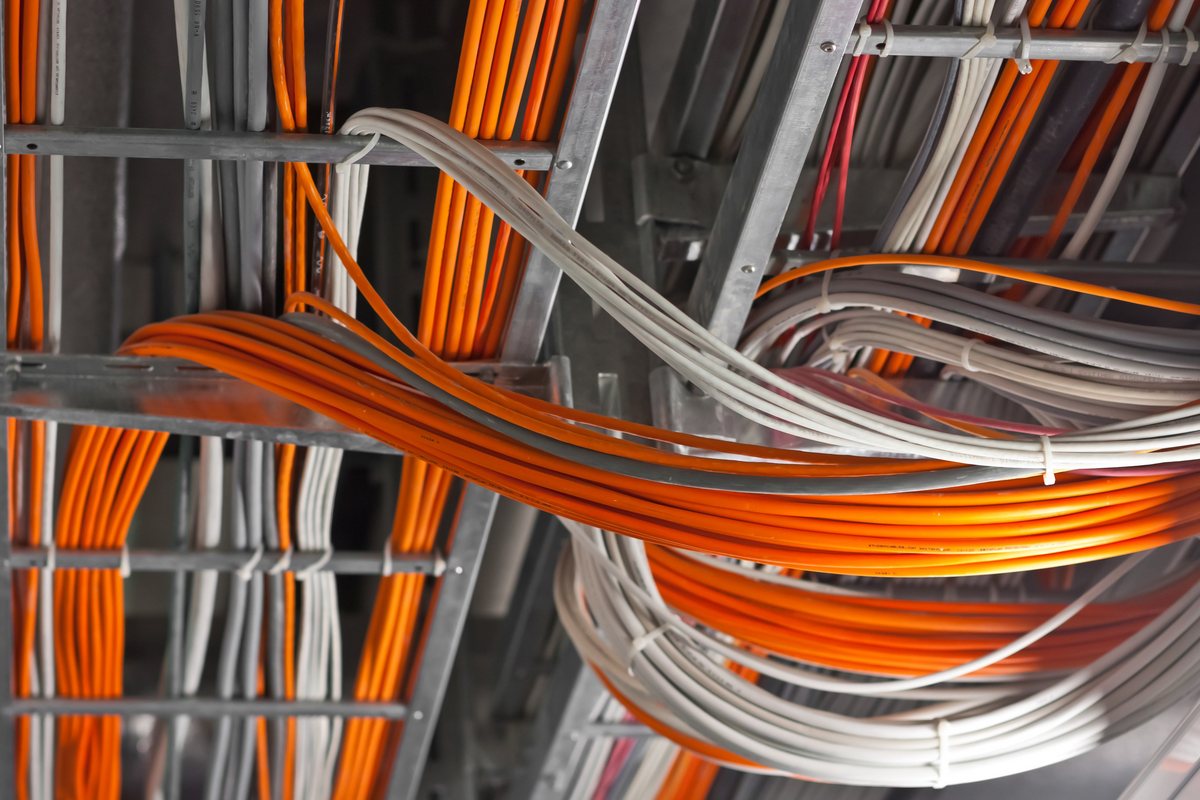
But often, the trail leads somewhere less exciting: the cabling. Not because cabling is fragile or fancy, but because it is the part of the network nobody thinks about until it starts causing problems.
The symptoms are easy to blame on something else
Cabling problems rarely announce themselves with a big red warning light. They show up as small, annoying patterns that people learn to work around:
- Video calls that freeze for a few seconds, then recover
- Files that open quickly in one room and slowly in another
- A desk phone that sounds fine most of the day, then drops a call
- Wi-Fi that seems strong but still feels sluggish
- A printer or camera that disappears from the network now and then
Individually, each one looks like a software issue or a bad device. Together, they often point to a physical layer that is tired, damaged, or badly organized.
What cable has to do with it
Data moves through copper and fiber as an electrical or light signal. When the cable is in good shape, that signal arrives cleanly. When it is not, the signal can weaken, pick up interference, or arrive inconsistently. The network may still work, just not well.
Common culprits include cables that were bent too tightly during installation, runs that are longer than they should be, damaged connectors, cable bundled next to power lines, or a patch panel that has been reworked so many times it deserves a medal for hanging on.
None of this shows up in a quick "is it plugged in?" check. It shows up under load, during a video call, or at 9 a.m. when everyone logs in at once.
The Monday morning test
If you want a quick read on whether cabling deserves a closer look, try this. Pick a few locations where people complain most. Compare how the network behaves there against a location that feels reliable. Same application, same time of day.
If the difference follows the location rather than the person or the device, the physical path is a suspect. That does not prove the cable is bad, but it moves it to the top of the list. A professional cable test can confirm it quickly.
Small fixes versus a bigger project
Not every slow network needs a full re-cable. Sometimes the fix is a bad patch cable, a congested switch port, or a run that was never terminated correctly. A good technician can find those issues without turning your office upside down.
Other times, the writing is on the wall, or rather in it. If the cabling was installed decades ago, has been patched repeatedly, or was never documented, piecemeal fixes just move the problem around. At that point, a planned upgrade is usually cheaper than another year of mystery outages.
What good looks like on the other side
When the cabling is in good shape, the change is not dramatic. It is quiet. Employees stop mentioning the network. IT spends less time chasing phantom issues. Applications open faster. Calls sound clearer. The team gets more done because the tools are not getting in the way.
That is the real payoff. Not a fancy dashboard. Just fewer interruptions and more time for actual work.
If your network has been "a little slow" for a while, it may be worth a look below the surface. Our cabling team can test the physical layer and tell you whether you need a small fix or a bigger plan. Contact us to get started.
Posted in: Structured Cabling